AI Barbie Doll Look
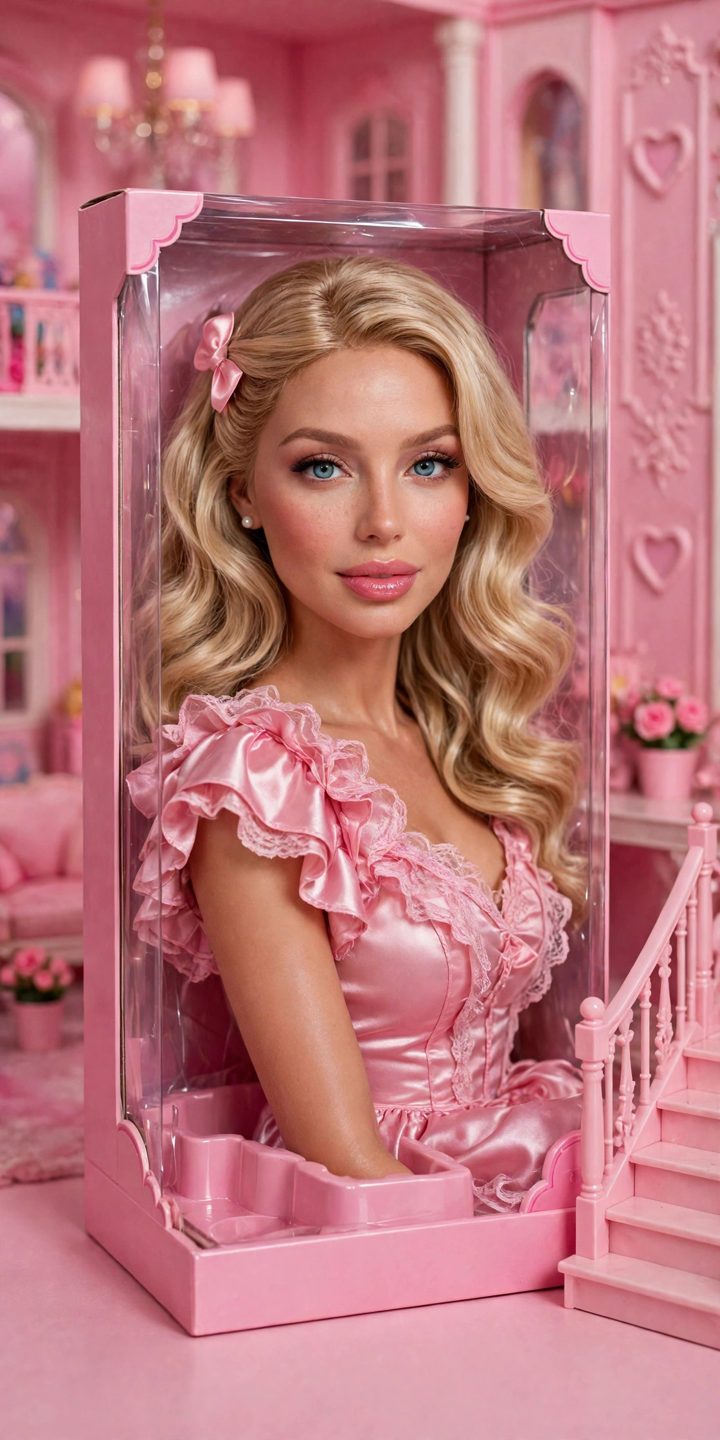
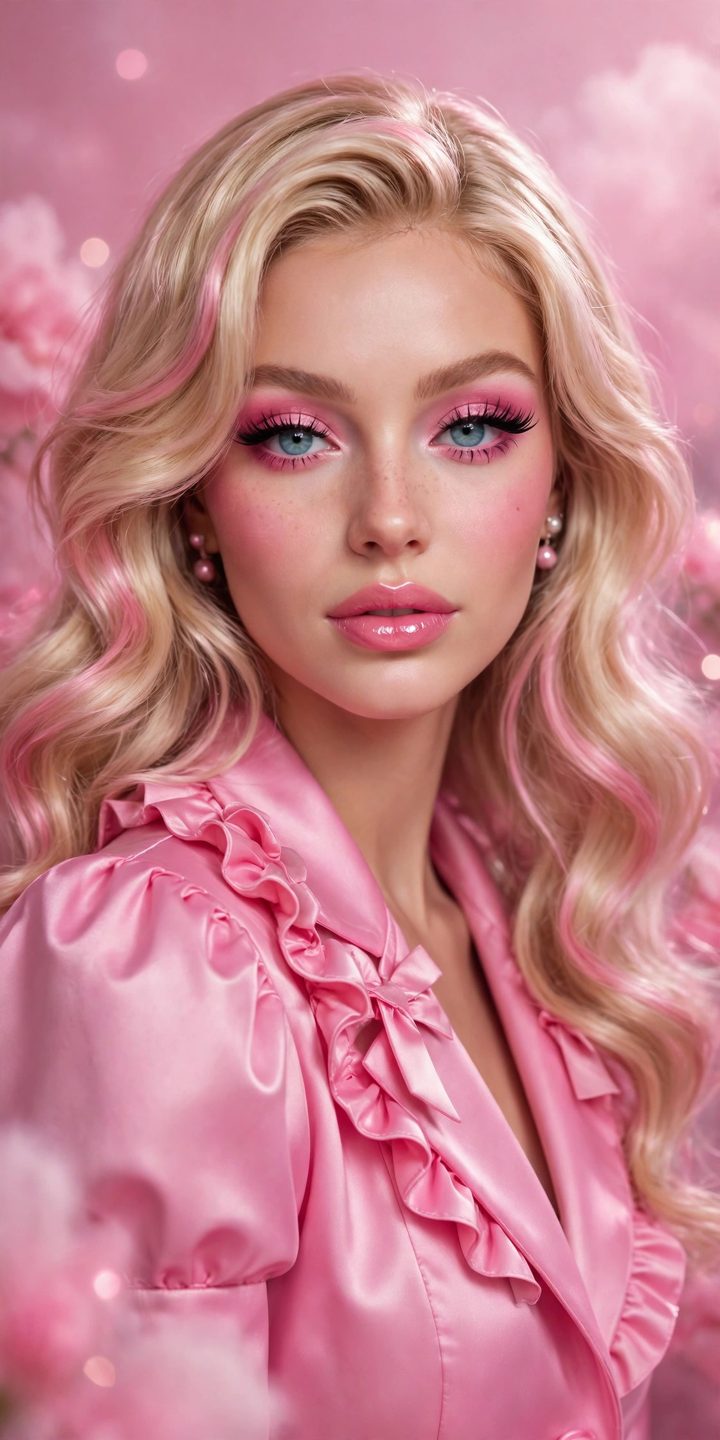
The Barbie look turns your portrait into a glossy doll photo — pink dreamhouse world, perfect styling, that smooth doll-like finish. A giant of the year's photo trends, and very easy to make well.
What you need
A clear portrait of yourself and a free AI image editor such as Google Gemini (Nano Banana).
Copy-paste prompts
Restyle this portrait in a Barbie doll aesthetic: glossy doll-like finish, glamorous makeup, pink dreamhouse background, soft studio light, fashionable pink outfit. Keep my face clearly recognizable.
Turn me into a fashion doll displayed in a pink toy box scene, dreamhouse interior behind the clear front, glamorous styling and makeup, bright pink palette, studio product-photo quality. Same face.
Make this photo Barbiecore: all-pink outfit and setting, sunny Malibu mood, glossy magazine finish, joyful pose, keep my facial features the same.
Step by step
- Use a bright, clear portrait — doll styling needs a face it can read.
- Paste a prompt and generate; ask for “more pink” or “more glam” to steer it.
- Keep your features — if the face turns into a stranger, regenerate with “keep my exact face”.