AI Polaroid Photos
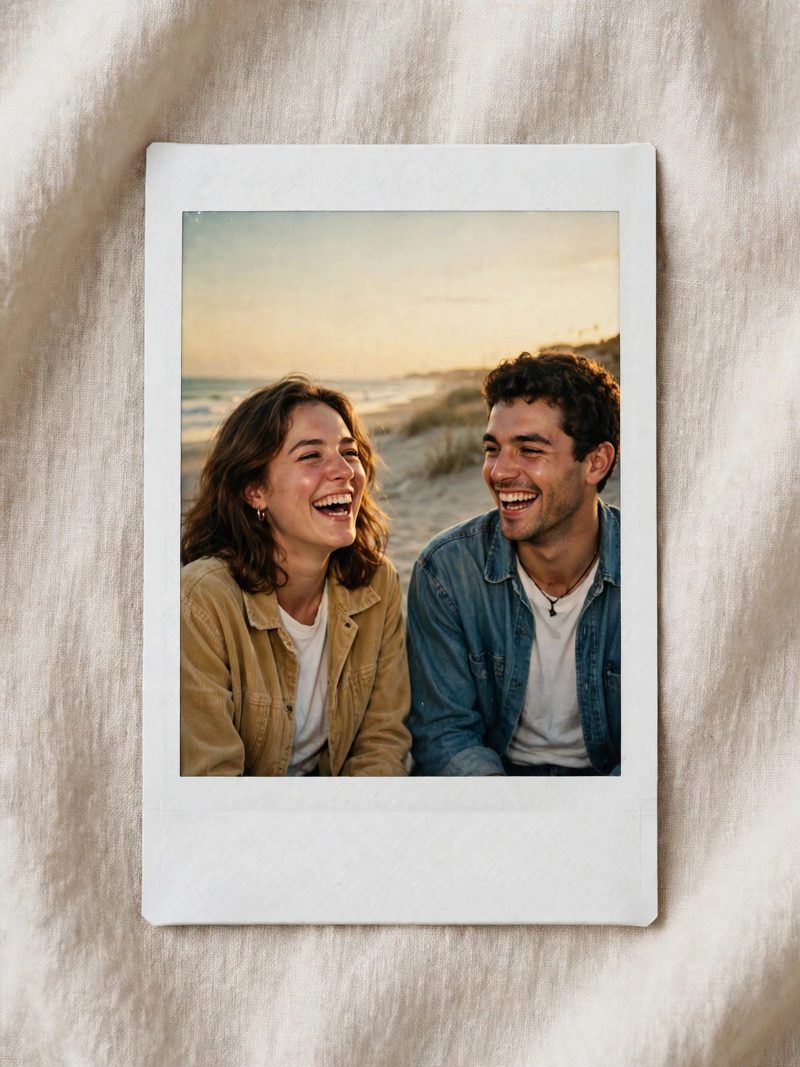
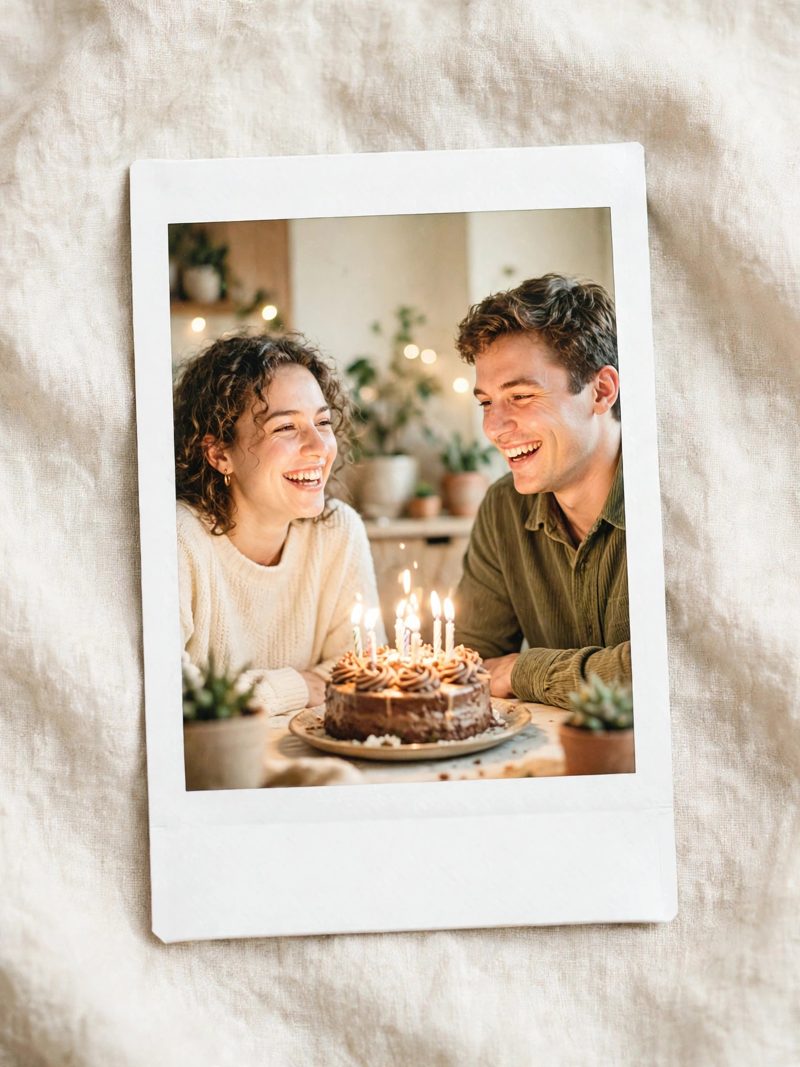
The AI Polaroid look turns any photo into a warm, flash-lit instant print — thick white border, slightly faded colors, that unmistakable 90s feeling. It ranked among the biggest internet photo trends of the year. Here is how to make yours in about a minute.
What you need
Any photo of you (or you and friends), and a free AI image app that can edit photos — Google Gemini (the Nano Banana image model) is the one most people use for this trend. No design skills needed.
Copy-paste prompts
Upload your photo, paste one of these, and generate. Adjust a word or two to fit your picture.
Turn this photo into a nostalgic Polaroid-style instant photo: direct flash look, slightly faded warm colors, soft grain, thick white border at the bottom, candid 90s party-photo feeling. Keep the people exactly the same.
Restyle this photo as a vintage instant-camera print from a 90s beach holiday: bright flash, sun-faded colors, white Polaroid border, relaxed candid mood, a little film grain.
Make this photo look like a Polaroid taken at a birthday party in 1998: on-camera flash, warm faded tones, white instant-print border, joyful candid energy, subtle grain and light leaks.
Step by step
- Pick a clear photo. Faces in good light work best — the AI keeps what it can see.
- Open your AI image app and upload the photo.
- Paste a prompt from above and generate.
- Not right? Generate again, or add one line: “make the flash stronger” / “more faded colors”.
- Save in full quality and post — the white border is part of the look, don't crop it off.
Tips that make it look real
- Group photos and party shots suit this style more than formal portraits.
- If faces change too much, add “keep faces 100% identical” to the prompt.
- Slightly messy, candid photos come out more believable than posed ones.